











Frequently Asked Questions
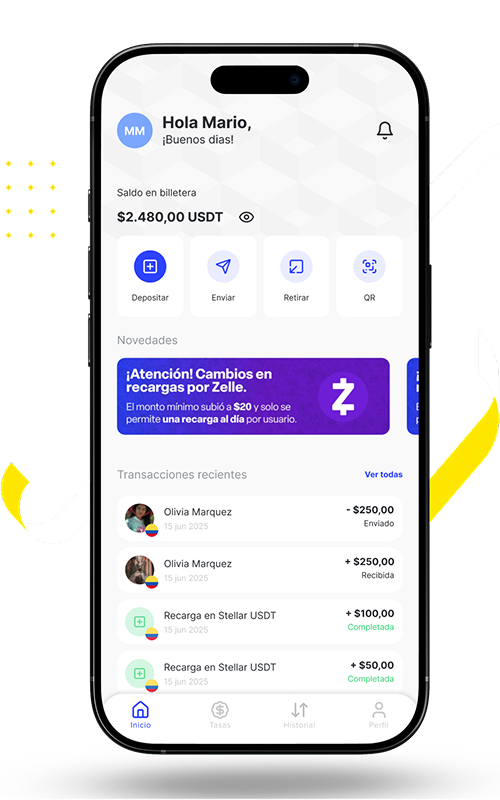
BilleteraP2P is your digital wallet in USDT. Easily add funds using multiple payment methods, send and receive dollars instantly, and enjoy quick, secure transfers within the app. Pay seamlessly at partner merchants with just a tap, and withdraw your balance directly to your local bank account whenever you need.
How do I sign up for BilleteraP2P?
It’s very easy! You only need your mobile phone, an email address, and your identification document (passport or ID card) to create your account and verify your identity. Simply download the app from Google Play Store.
Can I download BilleteraP2P on any operating system?
BilleteraP2P is available on Google Play Store for Android devices, and it will soon be available on the App Store for iOS devices.
What permissions does BilleteraP2P request on my device?
To provide you with a complete and secure experience, your device must have the following permissions enabled: camera, biometrics (fingerprint), gallery, and geolocation.
In which countries can I use the wallet?
You can download the application from the Play Store or (soon) from the App Store on your mobile phone anywhere in the world. For local currency deposits and withdrawals, we are currently available only in Colombia and Venezuela. However, for balance top-ups in Tether USDT, we are available from anywhere in the world.
In your BilleteraP2P:
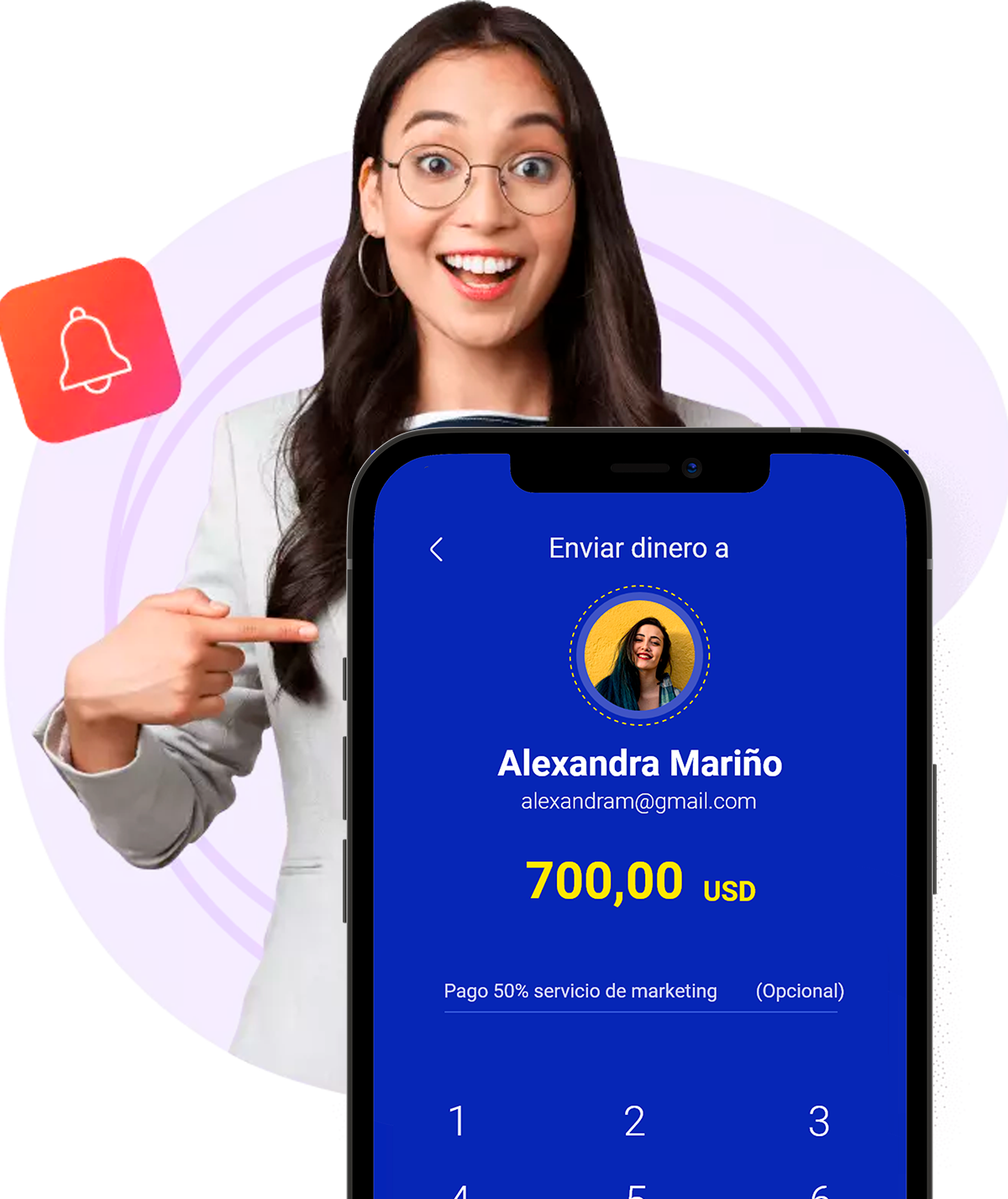
- Select the send option.
- Choose a user from your P2P contacts list or search for a user by their email address.
- Enter the amount in USDT to send.
- Add a message as the reason for the transfer (optional).
- Confirm the transfer details, authorize with your security PIN, and you’re done!
- The recipient will automatically be notified that you’ve sent them a payment.
How do I send money to Venezuela?
Simply follow these steps to do it easily, quickly, and safely:
- Log in to your BilleteraP2P with your password.
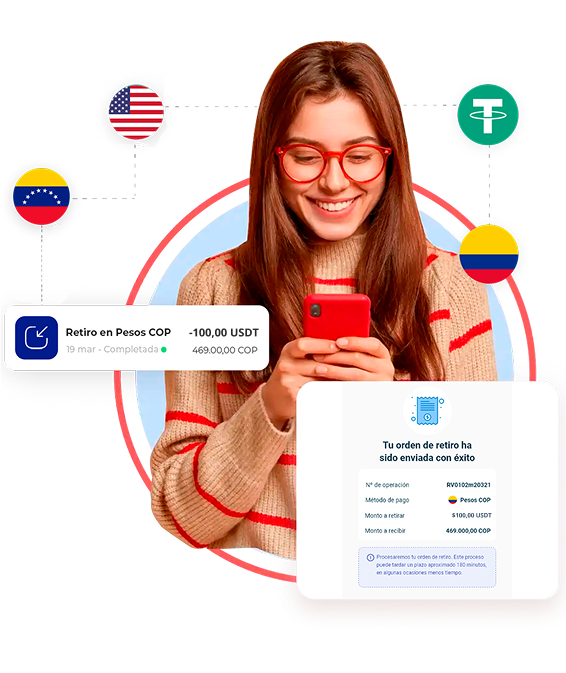
- Go to the Withdraw section (you must have balance in your wallet) and enter the amount in USDT to withdraw.
- Select the withdrawal method in Bolívares and choose the bank where you want to receive the money.
- Add the beneficiary’s bank account details (Account holder’s name, ID document, bank information, and correct account type). Save it, select it, and press Continue.
- On the screen you will see the amount in Bolívares you will receive and the current exchange rate applied to the transaction.
- Press Continue and you will be asked to confirm the withdrawal details. If everything is correct, press Confirm.
- Authorize the withdrawal with your 4-digit PIN and you’re done! Within minutes, the money will appear in the destination account and you will receive a notification on your phone and by email confirming that the operation was completed.
Is BilleteraP2P reliable for sending remittances from Colombia to Venezuela?
BilleteraP2P is a reliable platform for sending remittances to Venezuela and to any part of the world where we are available. It has an encrypted security system, which ensures that all transactions are protected. The best part of this platform is that it is simple, easy to use, and within a few hours the recipient can receive the money in either dollars or bolívares.
Why choose BilleteraP2P as your preferred way to send money from Colombia to Venezuela?
BilleteraP2P is a new application that is steadily gaining ground in the world of digital wallets. Today, you can send money not only to Venezuela, but also from Venezuela to Colombia. Best of all, we offer the best exchange rates in the market and connect directly with the most important banks in each country. In addition, it allows transactions in dollars, pesos, bolívares, and stablecoins such as Tether (USDT).
You can only have one BilleteraP2P account under your email address, phone number, and personal ID.
How can I view the terms and conditions I accepted with BilleteraP2P?
In the profile section, you’ll find the Policies and Privacy option. The terms and conditions of BilleteraP2P will always be available there, as well as at the bottom of our website.
How can I cancel my BilleteraP2P account?
Are you sure you want to close your account? We’d love for you to stay with us! However, if you wish to unsubscribe from BilleteraP2P, send us an email at soporte@billeterap2p.com so we can process your cancellation request.
What happens if I lose my phone with my wallet?
Don’t worry! We’ll help you right away. Write to us at soporte@billeterap2p.com so we can block your wallet and guide you through the next steps.
How can I check the transactions in my wallet?- Go to the main section of BilleteraP2P.
- Press the third icon on the bottom menu of the wallet, “Transactions,” and you’ll be able to see your transaction history. Tap on any of them to view full details.
Additionally, at the top right, you’ll find the option to filter by day, month, and transaction type.
What is the account limit in BilleteraP2P?
BilleteraP2P has both daily and monthly limits, which vary for personal and business accounts.
Personal Accounts:
- Daily limit of USDT $10,000.00 and monthly limit of USDT $50,000.00 (including transfers and withdrawals).
Business Accounts:
- Daily limit of USDT $50,000.00 and monthly limit of USDT $100,000.00 (including transfers and withdrawals).
The minimum amount you can top up to the wallet is USDT $5.00.
How do I make a top-up in BilleteraP2P?
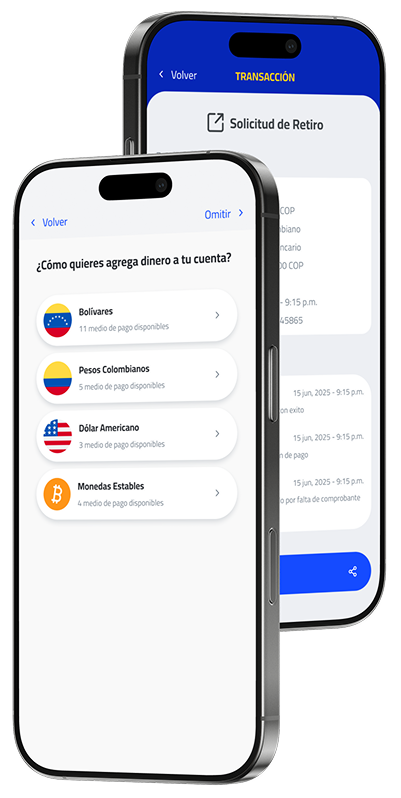
To top up your wallet balance, you must first complete your profile and have your account verified. Then, top up your account by following these steps:
- Go to the main section of your BilleteraP2P.
- Select the Top Up option.
- Enter the amount you want to top up (minimum top-up amount USDT $5.00).
- Choose a top-up method, then select the payment option available under that method. The system will automatically show you the amount to transfer and the exchange rate applied. Press Continue.
- Add the account details of the selected payment method. Complete the information, save it, select it, and press Continue.
- Confirm the details of your top-up request before sending it.
- Next, you will receive the payment details to make your transfer. Remember that you have 30 minutes to report the payment. Once you report it, that’s it! Within 120 minutes you will receive a notification indicating whether your top-up was successfully processed or rejected for any reason.
Your reloaded funds will then be available in your wallet.
How long does it take for my top-up to be reflected in my balance?
Your top-up will be reflected within a maximum of 3 hours. Keep in mind that if you top up outside working hours—after 9:00 p.m.—it will be reflected the following morning. Top-ups made on holidays will be reflected on the next business day.
What are the available methods to top up my BilleteraP2P balance?
Currently, we only have 3 payment methods, each with different top-up channels available:
Colombian pesos COP
- Bancolombia.
- Deposits by Efecty.
- Nequi.
Bolivares Bs
- Banco mercantil, Banco provincial, Banco de venezuela, Banco banesco, Banco bicentenario, Banco Nacional de Crédito
- Mobile Payment from the banks already mentioned
Tether (USDT)
- Binance Pay.
- Wallet address.
At this time it is not possible to change the email with which you registered. If you have any problem, write to us at soporte@billeterap2p.com explaining your case and we will get in touch with you.
Can I access my wallet from the BilleteraP2P website?
For now, BilleteraP2P is an exclusive service for mobile devices.
What to do if my phone is stolen?
Report the incident through soporte@billeterap2p.com and we will help you in that case.
No, registering and using the wallet has no cost. Having an account in BilleteraP2P is completely free.
Does the virtual wallet card have any cost?
No, the virtual card has no cost. The card is completely free—there are no purchase commissions and no maintenance fees. You can use it with complete peace of mind!
How are exchange rates applied for top-ups and withdrawals in BilleteraP2P?
EExchange rates are applied daily depending on the global market rate. We always strive to offer the best exchange rate for your top-ups and withdrawals within the wallet.